
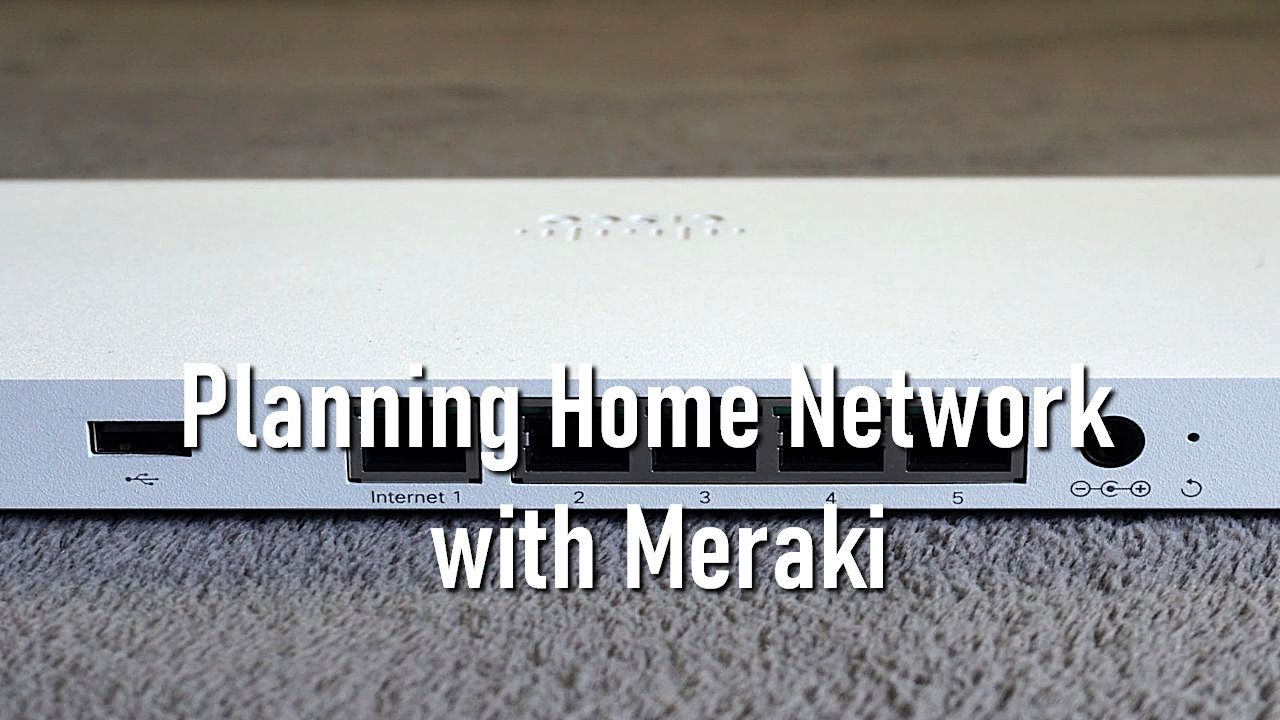
Planning Home Network with Meraki
Creating a reliable and efficient home network can seem daunting, but with the right tools, it becomes manageable and even enjoyable. One such tool is Cisco Meraki, known for its user-friendly interface and robust performance. Whether you’re streaming movies, working from home, or hosting virtual gatherings, a well-planned network ensures seamless connectivity. Let’s explore how Meraki can help you build the perfect home network.
Understanding Meraki’s Features
Meraki stands out for its simplicity and effectiveness. Unlike other networking solutions, Meraki offers cloud-managed hardware and software, such as Cisco switches, that allow you to monitor and manage your network from anywhere. This cloud management is a game-changer, enabling real-time updates and insights without the need for complex configurations. With features like auto VPN, traffic shaping, and robust security measures, Meraki provides a comprehensive solution tailored to home use.
Choosing the Right Equipment

Selecting the appropriate Meraki equipment is the first step in building your home network. For most households, a combination of the Meraki MX security appliance, MS switches, and MR access points will suffice. The MX device acts as your gateway, offering advanced security and traffic management. MS switches ensure that your wired devices communicate efficiently, while MR access points deliver strong and consistent Wi-Fi coverage throughout your home. Understanding your home’s layout and the number of devices you plan to connect will guide your choices.
Setting Up Your Network
Setting up a Meraki network is straightforward, thanks to its intuitive design. Start by connecting the MX security appliance to your modem. From there, link your MS switches to the MX device. Finally, position the MR access points in areas where you need the most coverage. Each device connects to the Meraki cloud, allowing you to configure and manage them through a web-based dashboard. This setup not only simplifies the process but also ensures that your network remains flexible and easy to adjust.
Managing Your Network
Once your network is up and running, the Meraki dashboard becomes your control center. Here, you can view connected devices, monitor bandwidth usage, and set access controls. One of the standout features is the ability to create separate networks for different purposes, such as a guest network for visitors or a dedicated network for work-related activities. This segmentation helps optimize performance and maintain security. The dashboard also provides real-time alerts for any issues, allowing you to address them promptly.
Ensuring Security and Performance
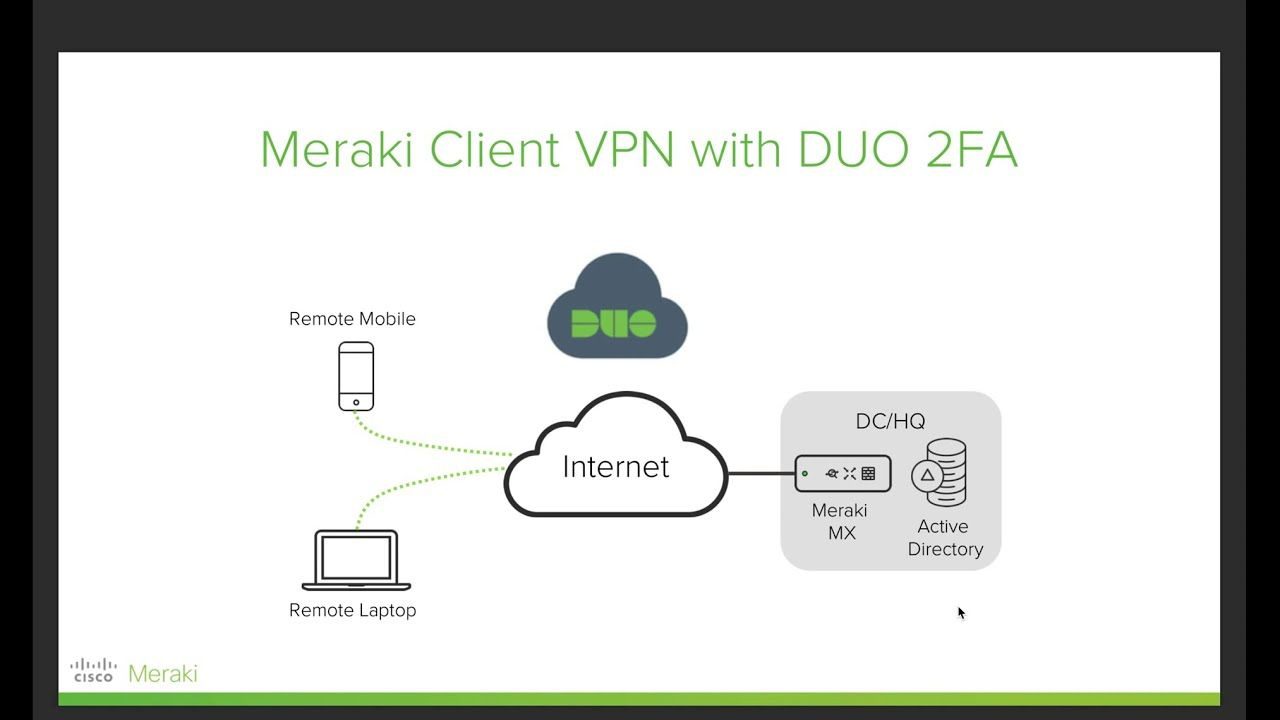
Security is a top priority for any home network, and Meraki excels in this area. The MX security appliance includes features like content filtering, intrusion detection, and malware protection. These tools help safeguard your personal information and devices from online threats. Additionally, Meraki’s traffic shaping capabilities allow you to prioritize certain types of traffic, ensuring smooth streaming and uninterrupted video calls. By regularly updating your network’s firmware through the cloud, you keep your system secure and performing at its best.
Planning a home network with Meraki doesn’t have to be complicated. With its cloud-based management, user-friendly setup, and robust security features, Meraki offers a reliable solution for modern households. By understanding your needs and utilizing Meraki’s range of devices, you can create a home network that is both powerful and easy to manage. Whether for work, entertainment, or staying connected with loved ones, a well-designed network makes all the difference.